
QFloors vs QuickBooks
QuickBooks Online is built for general business accounting. QFloors is built specifically for flooring dealers, with tools and workflows to manage operations from proposal to installation and beyond.
See how QFloors and QuickBooks compare.
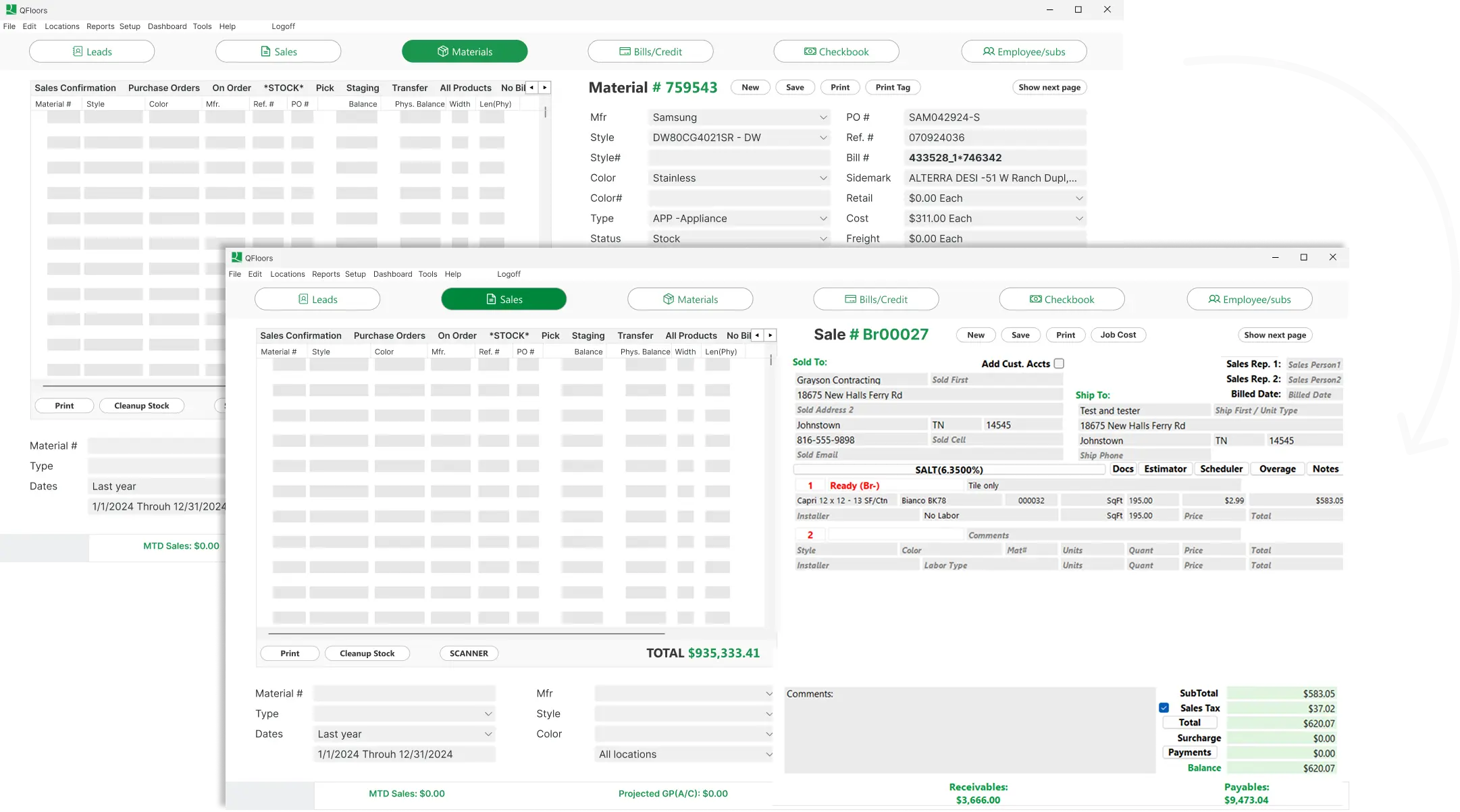
At a Glance…
With QuickBooks, businesses often add spreadsheets and other software to fill operational gaps.
QFloors brings those workflows together in one flooring-focused system.
 |
QuickBooks Online | Why it matters | |
|---|---|---|---|
| Built For | ✅Flooring businesses | ✅General business accounting | Having the right tool reduces workarounds and manual processes |
| Accounting | ✅Accounting built into your flooring workflow | ✅Strong accounting functionality | Accurate accounting gives you better visibility into costs and profitability |
| Job Costing | ✅Built-in job costing | ⚠️Requires additional processes/tools | Know your true costs on every job |
| Inventory | ✅Flooring-specific inventory management | ✅General inventory capabilities | Know what you have, where it is, and what you need |
| Estimating | ✅Built into flooring workflows | ⚠️Requires additional tools | Build accurate estimates without switching between systems |
| Scheduling | ✅Built into flooring workflows | ⚠️Requires additional tools | Keep jobs, installers, and schedules organized |
| Operations | ✅Unified in one system | ⚠️Often managed across multiple systems | Keep your business information connected in one place |
| Real-Time Visibility | ✅Financial + operational | ⚠️Primarily financial | See what’s happening across your business in real time |
| Scalability | ✅Designed to scale with flooring businesses | ⚠️Can require additional tools as operations grow | Grow your business without outgrowing your systems |
| Units of Measure | ✅Built around square feet, square yards, and other flooring units | ⚠️Uses generic units like each or box, not built for flooring | Skip manual conversions and price jobs accurately |
Built Around Flooring
Designed around the way flooring dealers actually work, from estimating and sales through installation, inventory, and accounting. Pricing and inventory run in square feet and square yards, which is how flooring is actually bought and sold.
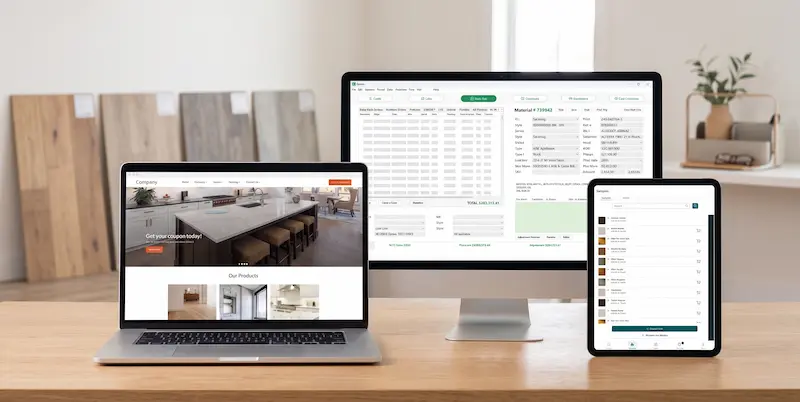
See More Than Your Financials
Your business doesn’t stop at accounting. QFloors connects operational and financial information so you can see what’s happening across your business.
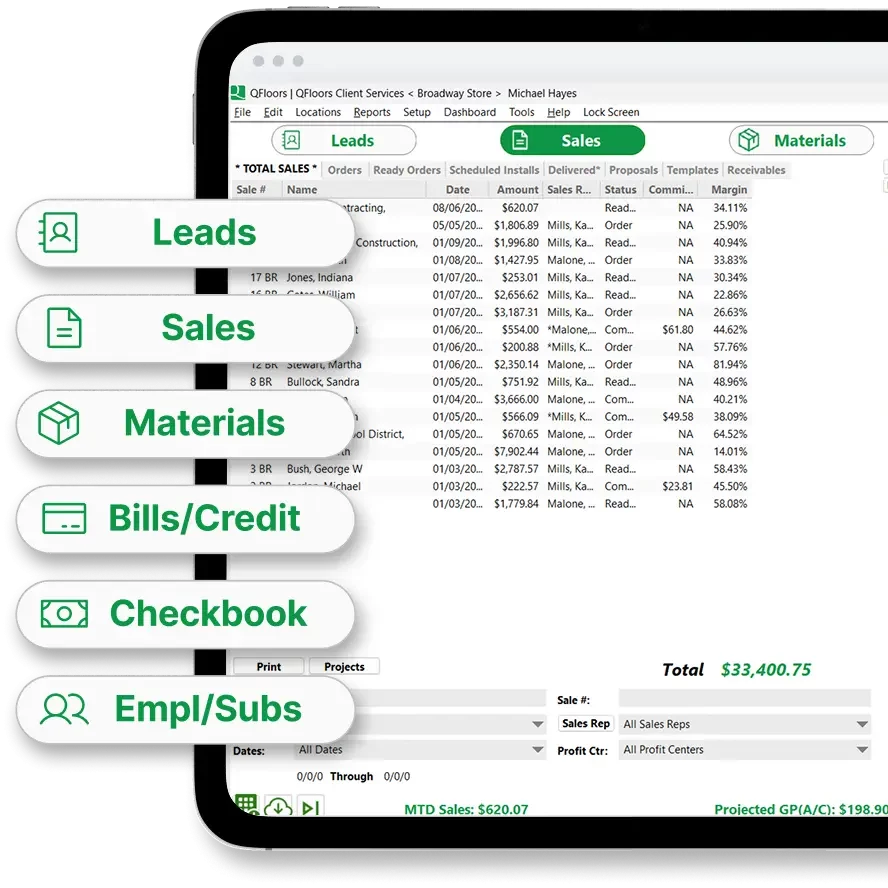
One System
Bring estimating, sales, purchasing, inventory, installation, job costing,
and accounting together in one place.

QuickBooks Online is good at accounting. But…
QuickBooks is a popular choice for businesses that primarily need accounting and financial management.
But flooring businesses need more.
|
QuickBooks Online + Additional Tools |
|
|---|---|---|
| Accounting | ✅ | ✅ |
| Estimating | ✅ | ⚠️Additional tool |
| Inventory | ✅ | ⚠️Additional tool |
| Purchasing | ✅ | ⚠️Additional tool |
| Job Costing | ✅ | ⚠️Additional tool |
| Installation | ✅ | ⚠️Additional tool |
| Business information | Connected | ❌Disconnected |
As your business grows, so do the moving parts.


Real QFloors screenshot, cropped to the customer, job, and totals fields on a single sale record
QFloors brings it all together.
Get startedWhat one back-office role actually costs
QFloors founder Chad Ogden walks through a real example of how the manual work QuickBooks leaves behind adds up to a full back-office salary, and what changes when QFloors takes it over.






Is your current setup starting to feel like this?

See what QFloors can do for your business
See how QFloors compares to the way you're working today.
QuickBooks® is a registered trademark of Intuit Inc. QFloors is not affiliated with, endorsed by, or sponsored by Intuit Inc.